



You can now find RedirHub in the app directories of Claude and ChatGPT. Search for RedirHub, connect it, and ask your assistant to set up redirects, short links and QR codes for you.
Where to find it#
- Claude: Settings → Connectors, search for RedirHub, or open the RedirHub connector.
- ChatGPT: Settings → Apps, search for RedirHub, or open the RedirHub app.
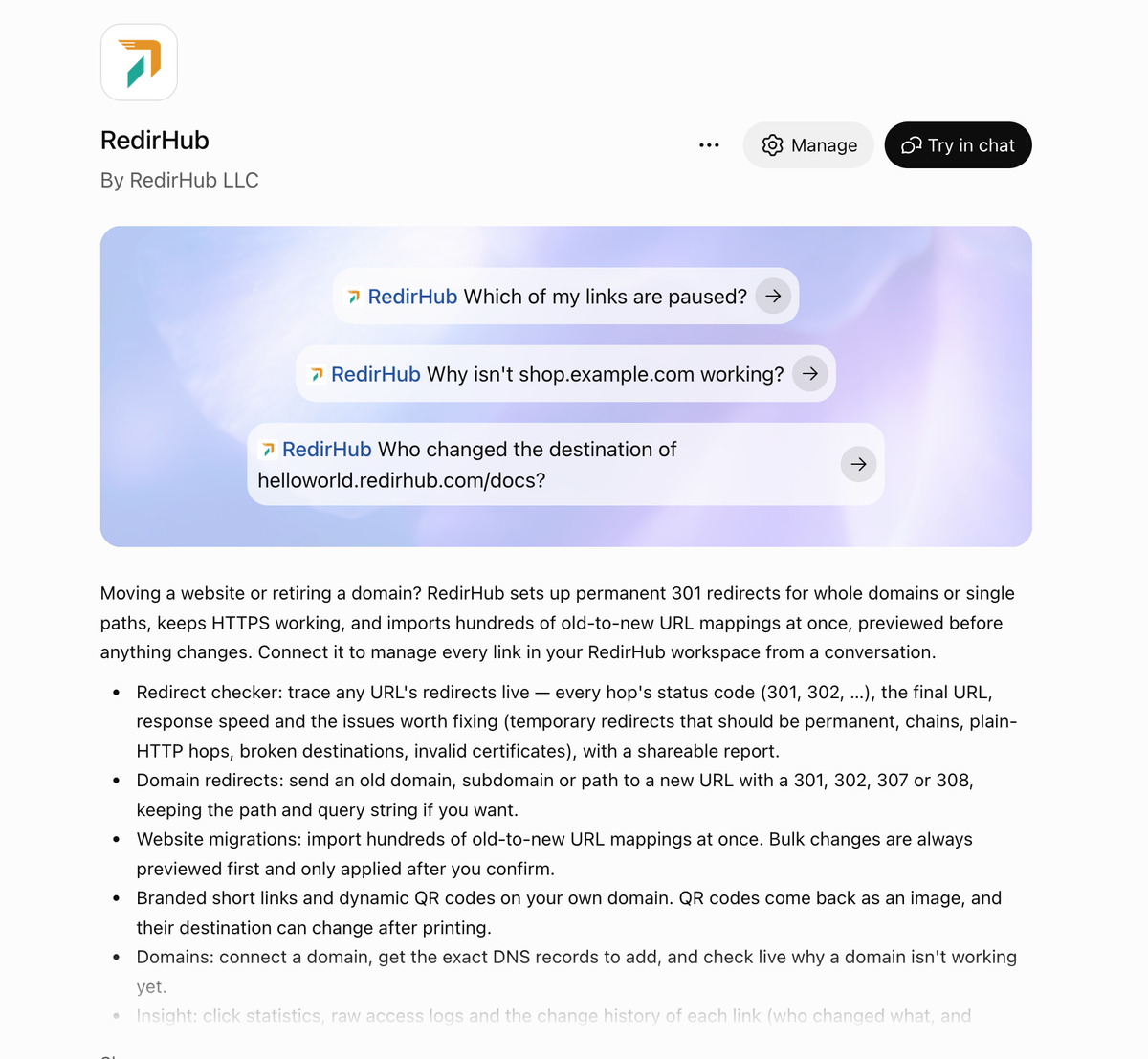
RedirHub in the ChatGPT app directory
Sign in, no token to copy#
Your assistant opens RedirHub: sign in, pick the workspace it works in and choose what it may do — read only, create and edit links, delete links, manage domains, or manage the workspace. You can disconnect it at any time under Account → AI assistants.
A shorter address#
The MCP server's address is now https://mcp.redirhub.com. In Cursor, Codex and other apps that aren't listed yet, add it as a custom connector or remote MCP server with that address. The earlier address keeps working, so existing connections don't need to change.
Every plan can connect. Setup for each app is on the MCP page.