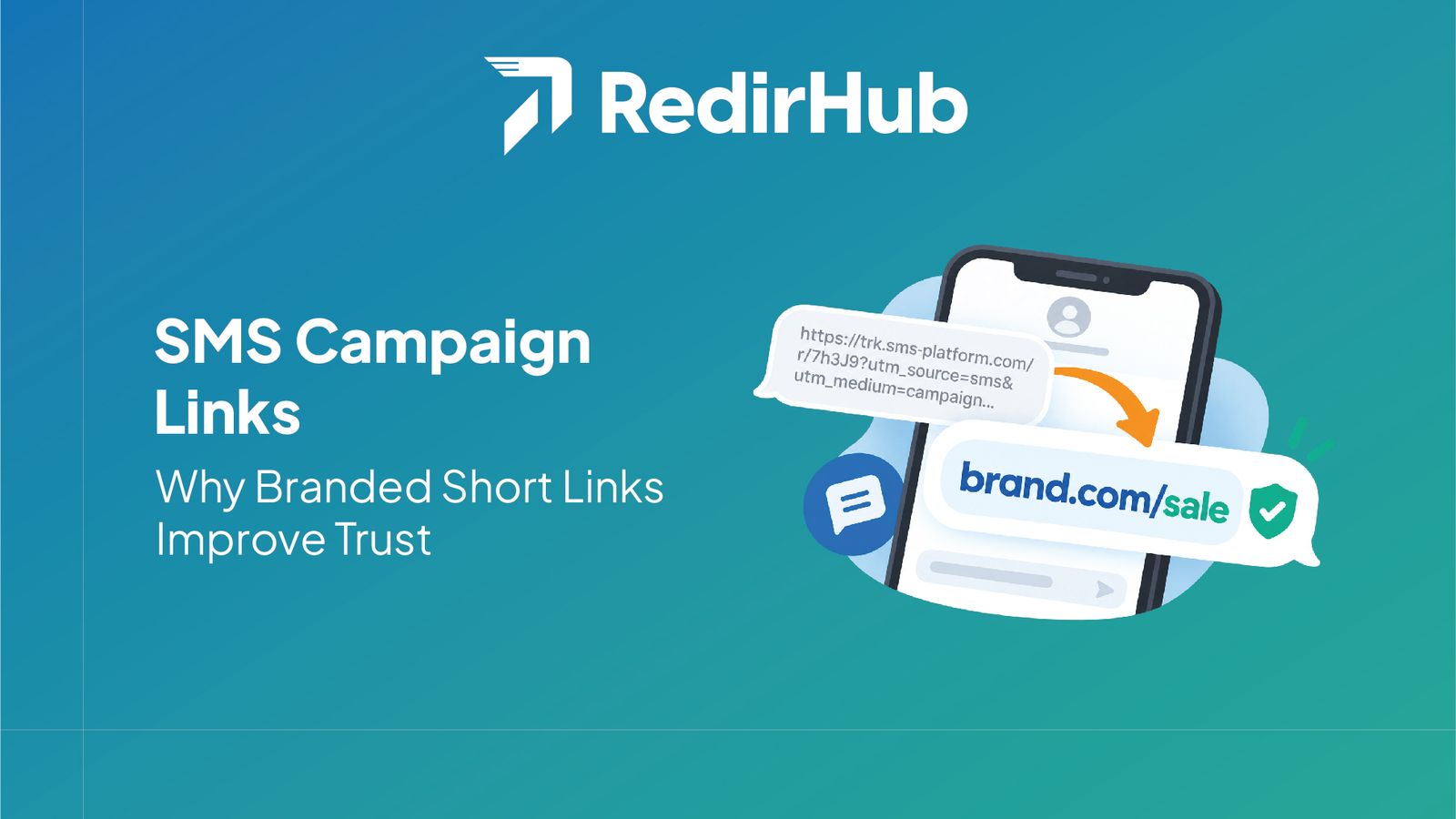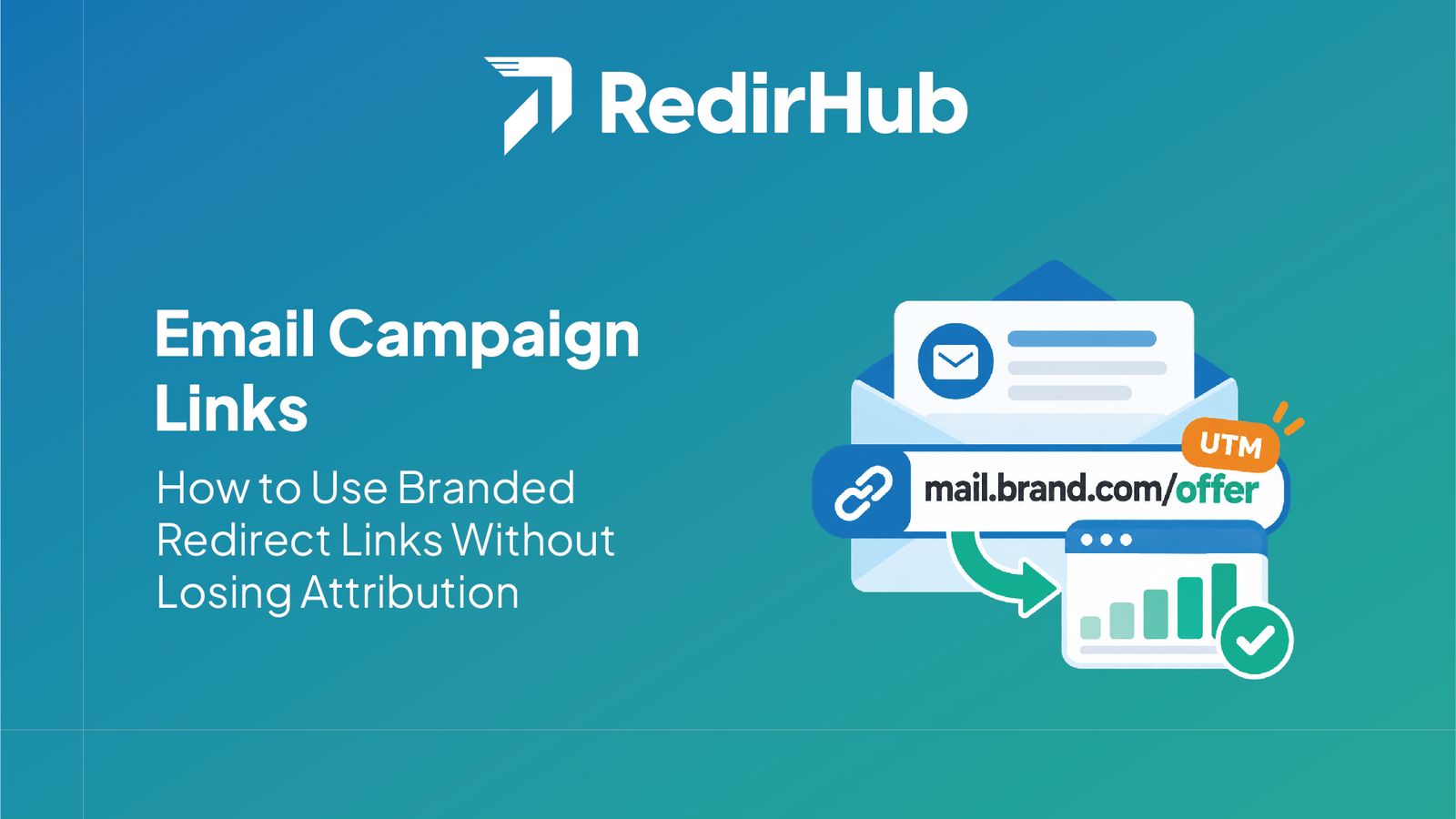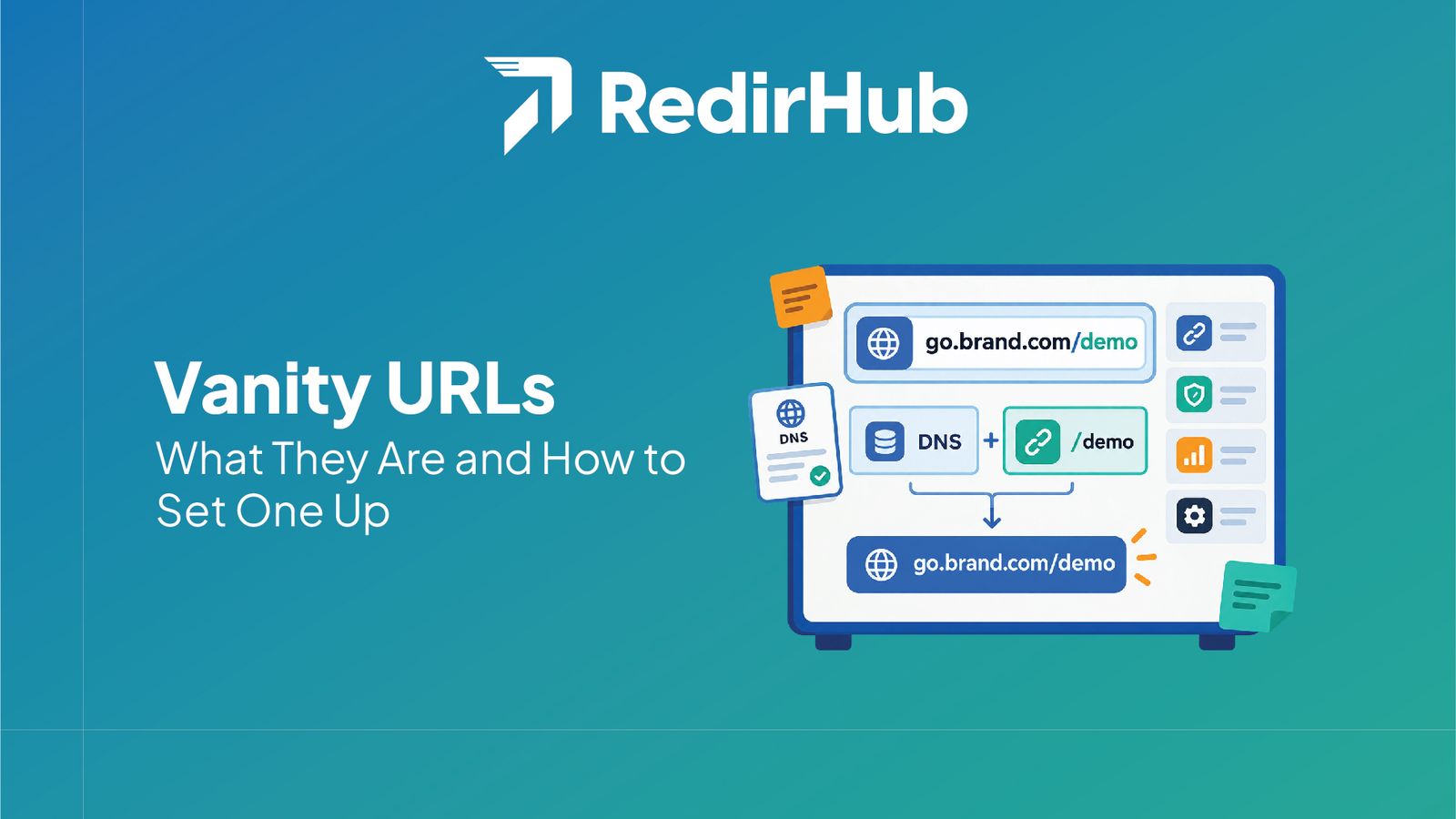



Branded links for social media replace generic shortener URLs with links that use your own domain and a readable path. They make bios, posts, stories, and ads easier to recognize, while a redirect layer lets you update destinations and measure clicks without changing every published link.
Branded links give social teams a recognizable URL for bios, posts, stories, and campaigns. Instead of sending people to a long tracking URL or an unfamiliar shortener domain, you can publish a compact path on a domain your audience already knows.
Why generic links create friction on social media#
Social posts compete for attention, and the URL is part of the trust signal. A raw URL can be difficult to scan, while a generic shortener hides the brand behind an unfamiliar domain. A readable link such as go.example.com/summer gives people a quick clue about who owns the destination and what they will find.
The goal is not to claim that a branded link guarantees more clicks. It is to make the link layer consistent, recognizable, and easier to manage. You still need a strong offer, clear copy, and a destination that works well on mobile.
Where branded links fit across social channels#
Use a stable branded link in a profile bio when the destination may change. For a campaign post, use a descriptive path that distinguishes the offer or channel. Stories and ads benefit from the same approach when the platform displays the URL or when the link is shared outside the platform.
- •Bio: keep one memorable link and update its destination as priorities change.
- •Post or story: use a campaign-specific path that is easy to read and report on.
- •Ad: route traffic through a controlled redirect while preserving the campaign's tracking parameters.
Keep social links consistent across platforms#
Create a naming convention before publishing. Keep the domain consistent, use short lowercase paths, and reserve a predictable structure for campaign, creator, or product names. This makes links easier to review in a spreadsheet and reduces accidental duplicates.
A redirect manager can centralize these links. RedirHub's branded links use a custom domain, while its redirect management workflow lets a team update destinations without editing every social post.
Measure social clicks without losing context#
Use one link per meaningful placement when you need to compare a bio, post, story, and ad. Add UTM parameters at the redirect or destination layer according to your analytics conventions, then test the complete path on a phone before publishing.
Analytics should answer practical questions: which placement was clicked, whether the destination received the expected parameters, and whether the link still resolves. Avoid creating dozens of links that nobody owns or reviews.
A practical setup checklist#
- Choose a domain or subdomain that your audience can associate with the brand.
- Connect the domain and create a readable path for the campaign or profile.
- Set the destination, query-parameter behavior, and ownership for the link.
- Test on mobile, verify analytics, and record where the link is published.
Start Making 5x Faster Redirects with RedirHub
Get redirects in under 100 ms – with automatic HTTPS, analytics, and zero configuration.
Get Started FreeThe takeaway#
Branded social links are most useful when they form a small, governed system: recognizable domains, readable paths, controlled destinations, and measurement that matches your campaign structure. Start with the placements that matter most, then expand the convention as your team publishes more links.
Frequently asked questions
A branded link is a short URL that uses a company-owned domain or subdomain and a readable path. On social media, it can be used in bios, posts, stories, and ads to make the destination recognizable and easier to manage.
No. A branded link can improve recognition and reduce uncertainty, but click-through rate also depends on the offer, copy, creative, audience, and destination. Treat branding as one part of a broader campaign system.
Yes, when the published URL points to an editable redirect. You can change the destination behind the link without replacing the URL in a bio, post, ad, or printed asset.
Use short, lowercase, descriptive paths and define a consistent convention for campaigns, products, creators, or placements. Avoid dates or temporary wording when the link may remain useful after the campaign ends.
They can, if the redirect and destination are configured to preserve or append the parameters your analytics setup expects. Test the complete redirect chain and confirm the final page receives the intended values.
A custom domain or subdomain is the usual foundation for a branded link because it keeps the visible domain associated with your organization. The exact DNS setup depends on the redirect platform and the domain you control.

Leo Astarothman is the Brand & Content Lead at RedirHub, where he shapes the company's visual identity, educational content, product experiences, and marketing strategies. He also specializes in system design. Simplifying complex redirect infrastructure into practical resources, product experiences, and campaigns that help businesses understand and adopt modern redirect management.