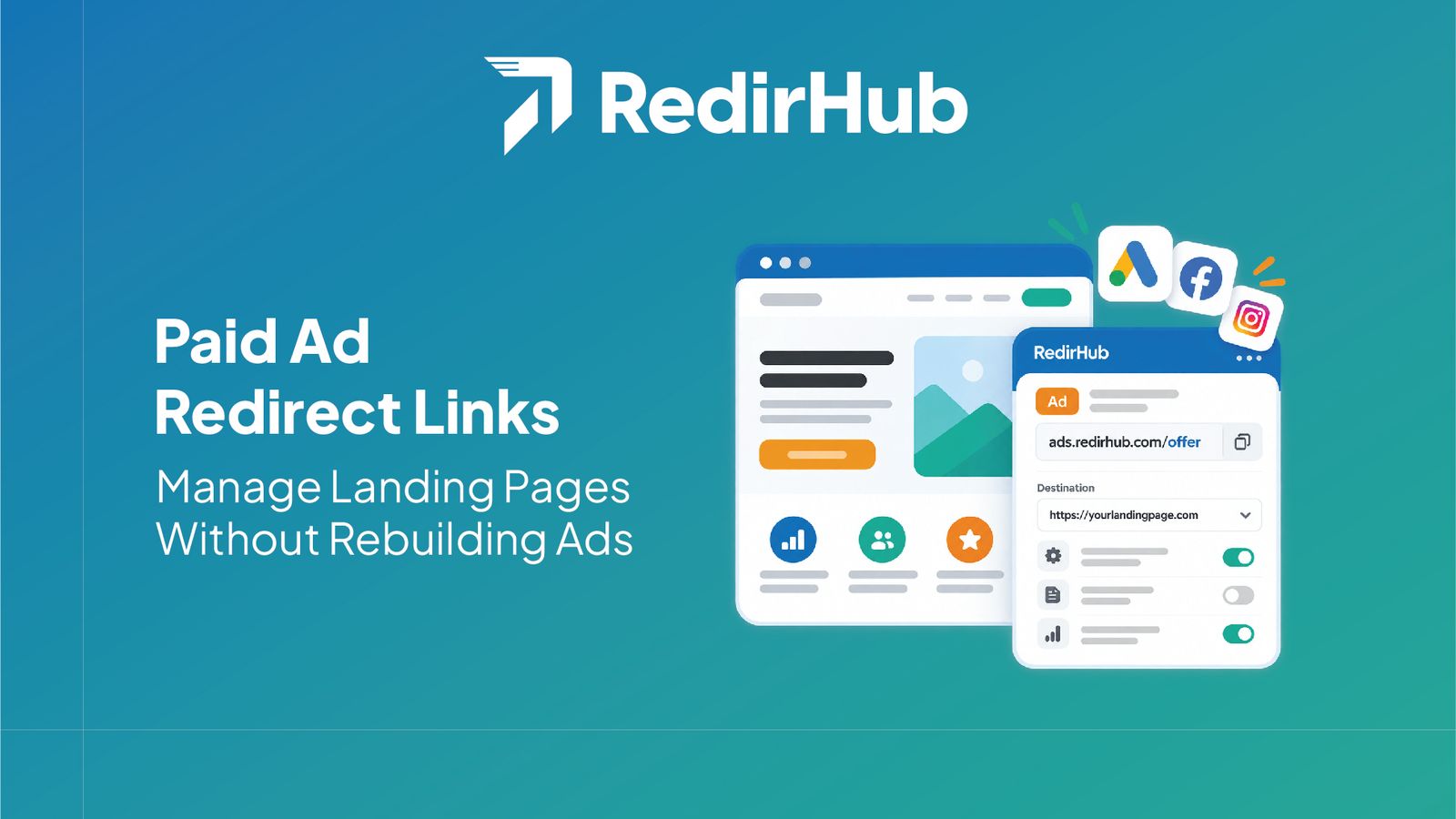



Influencer campaign links are unique, branded redirects with consistent UTM parameters for each creator. They make partner traffic easier to attribute, give audiences a recognizable URL, and let marketers change destinations mid-campaign without asking influencers to replace links in posts, profiles, or newsletters.
Influencer campaign links work best when every creator gets a link that is easy to recognize, easy to measure, and still useful after the first post is published.
A single generic URL can tell you that a campaign received traffic. Separate links tell you which partner drove it, which destination they promoted, and how performance changed over time. That distinction matters when several creators share similar creative during the same launch.
Why each influencer needs a unique link#
Give each influencer a separate redirect instead of asking everyone to share the same destination. The link becomes the join key between the partner roster, analytics data, and any agreed commission or bonus calculation.
Use a readable path such as go.example.com/maya or go.example.com/launch-maya. The exact naming convention is less important than consistency, ownership, and a documented mapping from link to partner.
Branded per-influencer short links#
A branded domain gives the audience context before the click. Keep the path short enough for a spoken mention and specific enough for the team to identify its owner in a report. Readable links can support trust, but they do not replace a clear landing page or sound campaign practices.
If you are setting up the link layer, review the branded links workflow and keep the destination mapping in the same campaign brief as the creator deliverables.
UTMs for source attribution#
UTMs add campaign context to the visit. Choose a naming scheme before links are distributed: source can identify the influencer, medium can identify the partner channel, campaign can identify the launch, and content can distinguish a placement or creative variant.
- •utm_source: the creator or partner identifier
- •utm_medium: a controlled value such as influencer or creator
- •utm_campaign: the launch or promotion name
- •utm_content: the placement, format, or creative variant
Editing destinations mid-campaign#
Campaigns change. A waitlist can become a product page, inventory can run out, or a creator can need a tailored offer. With an editable redirect, update the destination centrally while the link in a profile, video description, or printed asset stays intact.
Keep a change log for every update. Record who changed the destination, when it changed, why it changed, and which creative or partner links were affected. That prevents an analytics review from confusing a destination change with a creative-performance change.
Measuring per-influencer performance#
Start with a link inventory: partner, link, campaign, destination, publication date, and agreed success event. Then compare clicks with landing-page sessions and conversions rather than treating clicks alone as the outcome.
Use the analytics view to check volume, timing, and unusual patterns. Compare partners on the same window and attribution rules, and annotate differences in audience, creative, placement, and destination.
Start Making 5x Faster Redirects with RedirHub
Get redirects in under 100 ms – with automatic HTTPS, analytics, and zero configuration.
Get Started FreeA practical operating checklist#
- Create one readable branded link per influencer.
- Apply the same UTM structure to every partner link.
- Test the redirect, parameters, and destination before distribution.
- Document changes and review partner results on a consistent schedule.
The goal is a link system that serves both sides of the campaign: creators get a stable URL that is simple to share, and the marketing team gets enough structure to understand performance and adjust destinations without breaking published work.
Frequently asked questions
A unique link ties clicks and downstream activity to one influencer, making partner performance easier to compare and reconcile. It also lets you change one partner's destination without changing anyone else's link.
Use a consistent source for the influencer or network, a medium such as influencer, and a campaign name. Add a content value for the individual creator or placement so reports can distinguish links without relying on free-form notes.
Yes, when the redirect is managed by a service that supports editable destinations. The published link can remain the same while the destination changes from a waitlist to a product page or a creator-specific offer.
Compare clicks, landing-page sessions, conversions, and conversion rate by link. Keep the same attribution definitions across partners and annotate destination or creative changes so a result has context.
It uses a recognizable domain and readable path while preserving campaign tracking. That combination gives the audience a clearer destination and gives the marketing team a stable control point for measurement.
Usually they should go to the page that matches the creator's promise and the campaign objective. A redirect layer is useful when that destination may change, because the creator's published link does not need to be replaced.

Leo Astarothman is the Brand & Content Lead at RedirHub, where he shapes the company's visual identity, educational content, product experiences, and marketing strategies. He also specializes in system design. Simplifying complex redirect infrastructure into practical resources, product experiences, and campaigns that help businesses understand and adopt modern redirect management.
Related Articles
View All Articles