


Use dynamic QR codes for listings. Printed signs outlive listings, and a dynamic code lets you repoint the same square after the property sells or the price changes. Put each code where the person can stop safely: a flyer box, an open house table, a window display. A yard sign seen from a moving car is the weakest placement. Send every scan to one clear next step, such as a mobile-friendly listing page, a tour or a showing request, and give each placement its own code so you can see what works. Run the code on your own branded domain. It looks trustworthy, and it protects you against QR scams that rely on stickers placed over real codes. Check your MLS and brokerage rules on signage before you print.
A real estate QR code is a scannable square on a sign, flyer, postcard or window display that sends a buyer straight to a listing page, virtual tour, showing form or agent contact. It works best when it is dynamic (you can change where it points after printing), when it sits where people can actually stop and scan, and when it comes from a domain you control. This guide covers where to place codes, what to send people to, what to measure, and how to avoid the mistakes that turn a good sign into a dead end.
Why QR codes fit real estate so well#
Property marketing has a built-in gap. Interest starts in the physical world: a buyer walks past a home, picks up a flyer at an open house, or sees a postcard in the mail. The information they want, photos, price, floor plan, neighborhood, lives online. A QR code closes that gap in one scan, with no typing a long URL on a phone.
There is also a practical reason. A sign has room for an address, a phone number and little else. A code behind it can hold a full gallery, a video walkthrough, a mortgage calculator or a booking form, and you can swap those without touching the sign.
QR codes are also reliable as a format. They carry built-in error correction, so a code can still scan when slightly smudged, which matters on a yard sign that has spent three weeks in the rain.
Where to put real estate QR codes#
The placement decides whether the code gets scanned. Before you print, ask one question: can the person looking at this stop for five seconds?
| Placement | Reader is | Fit | Best destination |
|---|---|---|---|
| Property flyer or brochure | Standing or sitting, holding paper | Excellent | Full listing page with photos and a tour |
| Open house sign-in table | Standing, with time | Excellent | Registration form or feature sheet |
| Window display at your office | Walking, can pause | Good | Featured listings page |
| Direct mail postcard | At home, relaxed | Good | A dedicated landing page for that mailing |
| Yard sign | Often driving or walking past | Mixed | Short mobile page, call or showing request |
| Business card | Meeting you in person | Good | Your agent profile and contact options |
| Magazine or newspaper ad | Reading | Good | Listing or neighborhood page |
Yard signs and A-frames#
Yard signs are the most common use and the most often done badly. A code on a sign at the end of a driveway can only be scanned by someone on foot or parked. Make it large, give it a high-contrast quiet zone around it, and put a short line above it that says what happens on scan, for example “Scan for photos and price.” If the sign faces a fast road, the code is decoration; put it on a rider or an A-frame near the sidewalk instead.
Flyers and feature sheets#
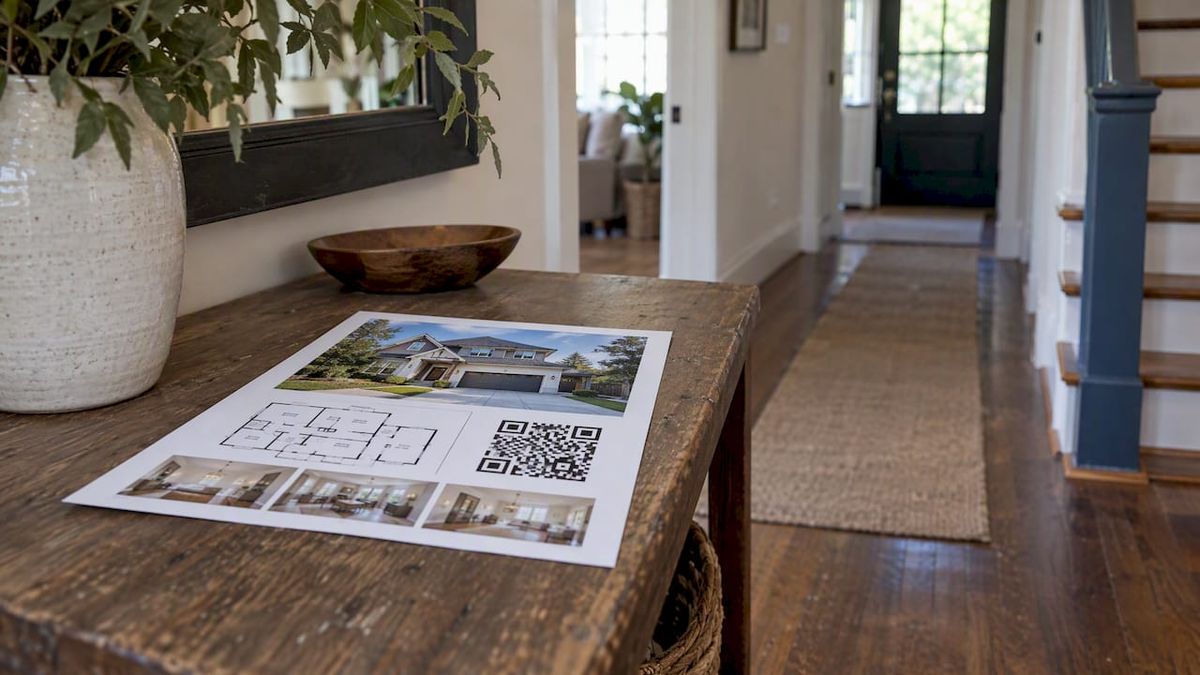
This is where codes earn their keep. A single page flyer cannot show twenty photos, a floor plan and a neighborhood map. A code can. Put it next to the price, not buried in a footer, and keep the text around it short.
Open houses#
Visitors are already there, so use the code to capture them. Point a code at a sign-in form rather than a paper clipboard, and you get names and numbers in a format you can follow up on the same day. If you run larger open house events or broker tours, this guide to QR codes for events is a useful read on setup time and access planning.
Postcards and mailers#
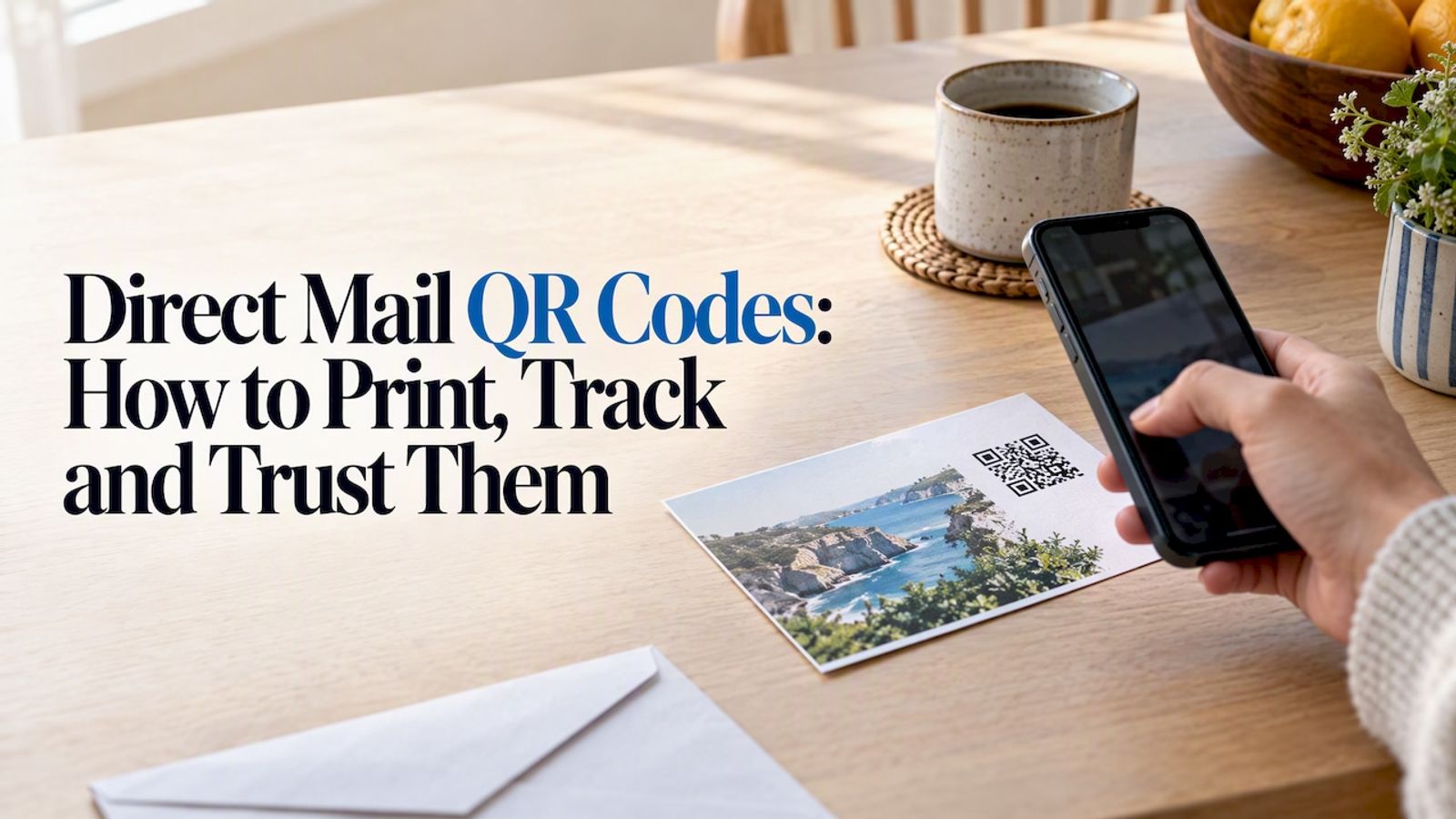
Give each mailing its own code and its own landing page. If a farm-area postcard produced 40 scans and a just-listed card produced 4, you would learn what your market responds to, which a phone call count never tells you. For printing and tracking mailer codes in more depth, see our guide to direct mail QR codes.
What the code should point to#
A scan is a promise: the page will be quick and useful. Break it and you lose the buyer.
- A mobile-first listing page. Most scans come from a phone in someone’s hand. The page should load fast, show photos first, and put price, beds, baths and the call button above the fold.
- One action. Pick the primary job: view the listing, watch the tour, or request a showing. Secondary links can follow, but the first screen should make one request.
- A tour or video for out-of-town buyers and relocation clients.
- A registration or showing form with as few fields as you can manage: name, phone, email, preferred time.
- An agent contact page for business cards and farm mailers where there is no single listing.
Avoid pointing codes at a generic homepage. The scanner has to hunt for the property, and most will not.
Static or dynamic: the choice that matters most#
A static QR code has the destination baked into the pattern. If the listing URL changes, the printed code is wrong forever. A dynamic code contains a short redirect address instead, and the redirect decides where the scan goes. You can change the destination any time without reprinting. Our comparison of static and dynamic QR codes goes through the trade-offs in detail.
For real estate the case for dynamic is strong:
- •Signs get reused. The same rider or A-frame appears at many properties. Repoint the code instead of ordering new hardware.
- •Listings end. When a home sells, a dead page is a poor look. You can send the code to a “Just sold” page, your other active listings, or a home valuation form. This is covered in our guide on changing a QR code destination after printing.
- •Prices and details change. Update the page behind the code, or swap the page entirely.
- •Tracking needs a redirect. Scan counts only exist if the scan passes through something that can count it. See our walkthrough of tracking QR code scans.
One caution: a dynamic code is only as durable as the service behind it. If the provider disappears or you stop paying, the printed codes stop working. That is why it matters whose domain the code runs on. We explain what really breaks in do QR codes expire.
How quickly does a scan open the page?#
Every scan passes through a redirect before the listing loads, so the redirect’s speed is part of what the buyer feels. In the RedirHub redirect speed benchmark (25 providers, median time to first byte measured from Washington, D.C., Frankfurt and Tokyo and averaged, October 13 to 20, 2026), RedirHub’s redirects took a median of 16 ms, against 103 ms for TinyURL, 118 ms for Bitly, 267 ms for Rebrandly and 755 ms for Cuttly.
| Provider | Median time to first byte |
|---|---|
| RedirHub | 16 ms |
| TinyURL | 103 ms |
| Bitly | 118 ms |
| Rebrandly | 267 ms |
| Cuttly | 755 ms |
These timings cover the redirect step only, not the listing page behind it, so keep that page light as well. To check the redirect behind your own code, paste its short URL into the redirect speed test.
What to measure#
Scans alone are a thin metric. A useful setup tells you:
- •Scans per code, so you can compare a yard sign with a flyer for the same listing.
- •Scans by day and time, which shows whether weekend open houses actually drive traffic.
- •Device and location, to separate local drive-by interest from out-of-area buyers.
- •Scan to action, meaning how many scans became a form fill, a call or a showing request. This needs the landing page to track its own conversions.
The discipline is simple: one code per placement per listing. If every sign and flyer carries the same code, you cannot tell which one worked. A naming habit helps, for example address plus placement, such as “412-oak-yardsign” and “412-oak-flyer.” Our piece on QR code tracking without reprinting shows how to set that up.
Keep scanners safe, and keep their trust#
QR codes have a reputation problem. The FTC has warned that scammers use QR codes placed in public spaces. The FBI has likewise published guidance on building a digital defense against QR code scams. A yard sign on a public street is exactly the kind of place a sticker could be slapped over.
What you can do:
- •Use a branded domain. When the preview link on a phone shows your own domain, such as go.youragency.com, buyers can recognize it. A random shortener domain looks like the scam it is warned about. Here is how to create a QR code with your own domain.
- •Print the short URL under the code. It lets careful buyers check the address and type it if they prefer.
- •Check your signs. On a walk-by or a routine visit, confirm the code on each sign is the one you printed and has not been covered.
- •Never send codes to people by unsolicited text. Clients should only get them from channels they expect.
- •Use printed material that is hard to overlay, such as codes printed directly onto the sign face rather than on a loose sticker.
Plan for where QR codes are heading#
If you also work with retail or commercial space, notice the standards shift. GS1, the standards body behind barcodes, describes QR Code powered by GS1, which lets one code serve both point-of-sale scanning and consumer information. Retail is moving first, but the lesson carries over: choose tools that handle changing standards, and avoid locking printed materials into a single fixed destination.
Mistakes we see most often#
- •Printing a static code pointing to a listing URL that later changes.
- •A code too small for its viewing distance. A rough rule is that the code should be about one tenth of the scanning distance in width; test with a few phones before you order 50 signs.
- •Low contrast, such as a pale code on a photo background.
- •No call to action, leaving people unsure why to scan.
- •A desktop-style page that needs pinching and zooming.
- •One code everywhere, so you cannot tell which placement worked.
- •No test. Scan every proof, on both iPhone and Android, before printing.
- •Ignoring local rules. MLS and brokerage rules often govern sign content and who may place signs. For instance, MLS rule sets can restrict who may place signs and what they show, as in this MLS rules document (2020-21 edition). Ask your broker or MLS what applies to you now.
Our perspective#
We built RedirHub around one idea: the link behind a printed code should belong to you, not to a shared shortener. Real estate shows why. A yard sign is a physical asset that outlasts any single listing. A buyer’s trust depends on the address they see when they scan. And the best marketing lesson comes from comparing placements, which only works if every code is separate and measurable.
So our advice is plain. Treat the QR code as a permanent address for your brand, not as a one-off graphic. Put it on your own domain, keep it dynamic, name each code by property and placement, and repoint it when the listing ends. When an agent asks us whether a code printed last year still matters, the answer should be yes, because the destination can be changed to whatever is useful today.
Run your real estate codes on your own domain#
RedirHub gives agents, brokerages and marketing teams dynamic QR codes on their own branded domain, with SSL handled for you, editable destinations and scan analytics. Plans start with Core at $49 per month and Pro at $119 per month; see the pricing page for what each includes. Core and Pro each come with a 14-day free trial. If your brokerage also manages many links and redirects across listing sites, our branded links do the same job for URLs in emails, social posts and ads.
Put your listing codes on your own domain
Create dynamic QR codes for signs, flyers and open houses on your own branded domain, change where they point after printing, and see which placement gets scanned. Core and Pro come with a 14-day free trial.
Create a dynamic QR codeFrequently asked questions
Free generators usually make static codes, which cannot be edited or tracked after printing. That is fine for a one-off business card, but risky for signs that will be reused. A dynamic code on your own domain costs more up front and saves reprinting.
Larger than most agents expect, and sized for the real scanning distance. Print a test, hold it at the distance a buyer would stand, and scan it with several phones. If it fails, enlarge it or move it to a rider closer to the sidewalk.
Yes, if it is a dynamic code. You keep the printed code and change its destination, for example to a sold page, your active listings or a valuation request. Our guide on changing a destination after printing shows the steps.
The format is not dangerous by itself, but scammers do swap or imitate codes, as the FTC has warned. A branded domain, a printed short URL and regular checks of your signs reduce the risk and help buyers trust what they scan.

Leo Astarothman is the Brand & Content Lead at RedirHub, where he shapes the company's visual identity, educational content, product experiences, and marketing strategies. He also specializes in system design. Simplifying complex redirect infrastructure into practical resources, product experiences, and campaigns that help businesses understand and adopt modern redirect management.